Search

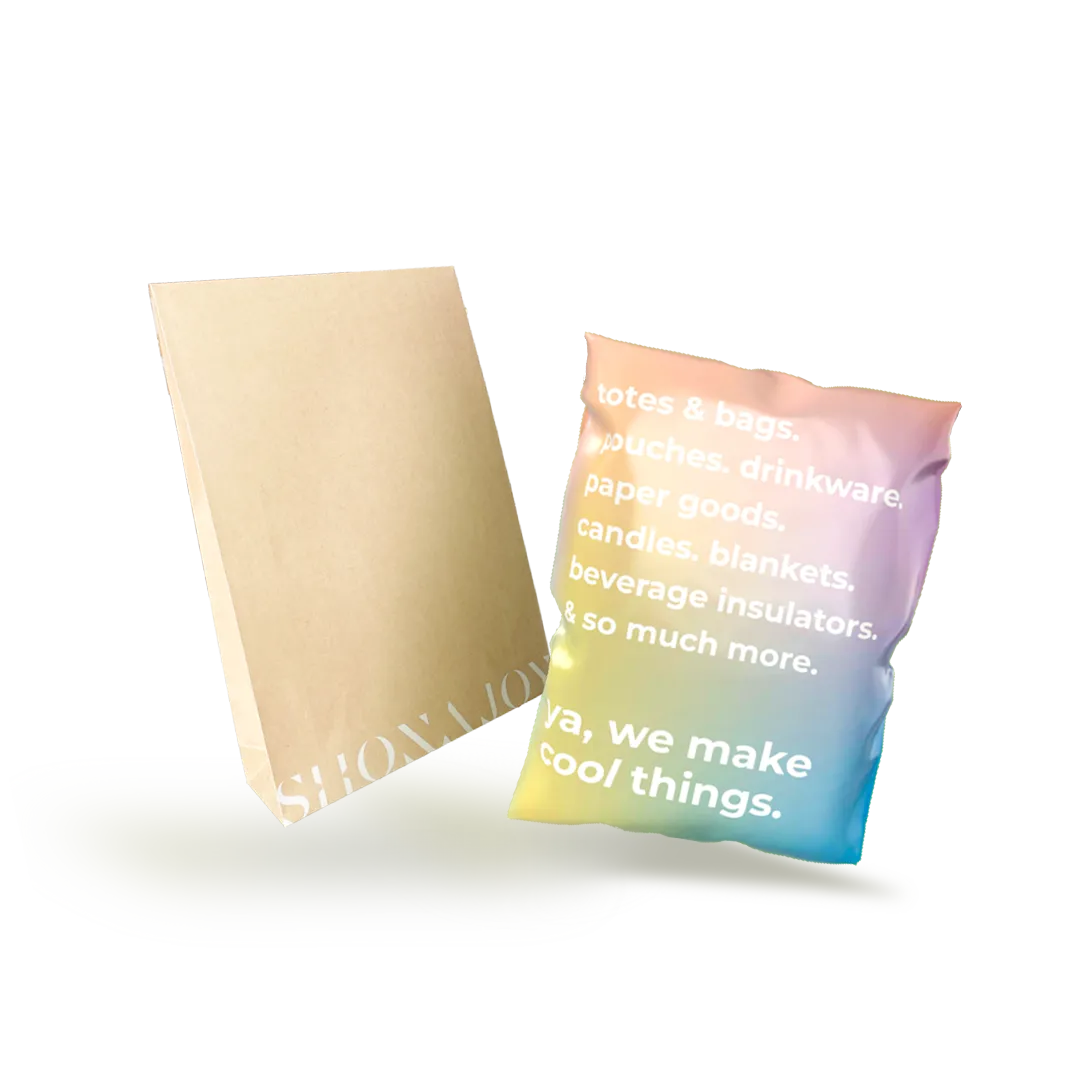
Mailers, Envelopes & Boxes

Durable and lightweight. Reduce shipping cost and carbon emissions.

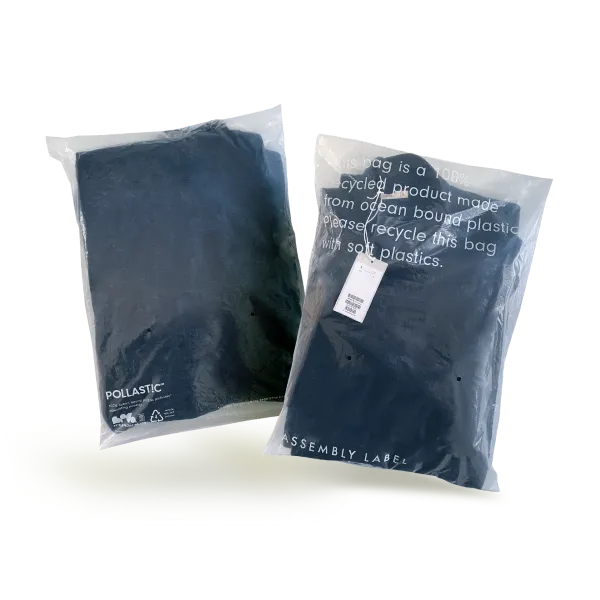
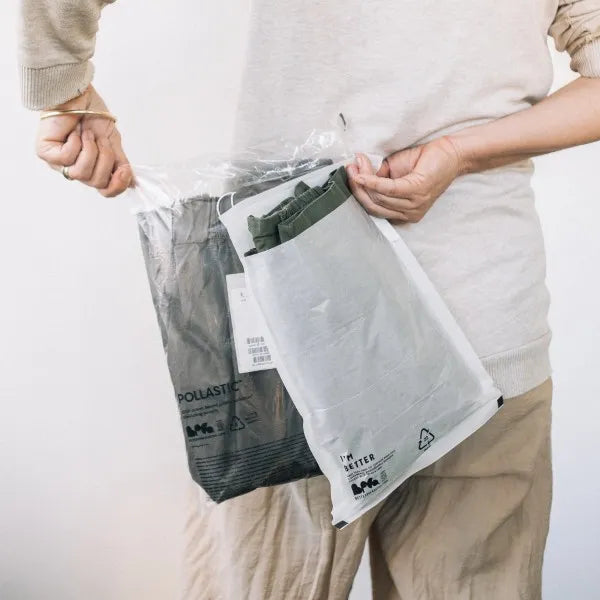
Poly Garment Bags

Practical, protective, and eco-friendly.

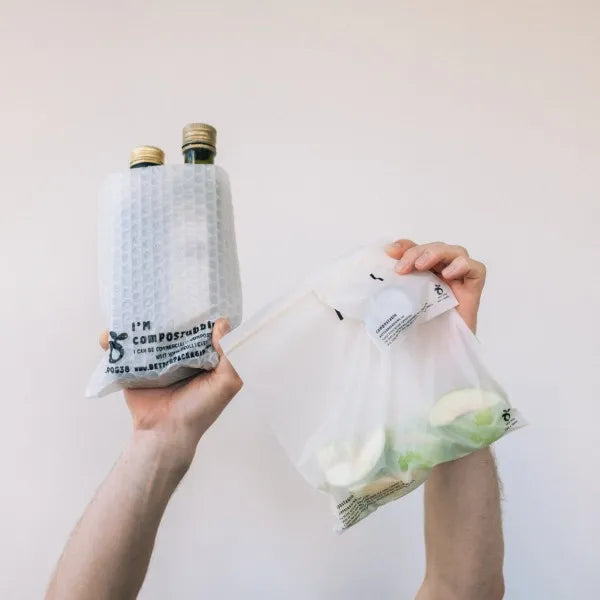
Extra Protection

Resealable bags to ensure maximum safety during transport.

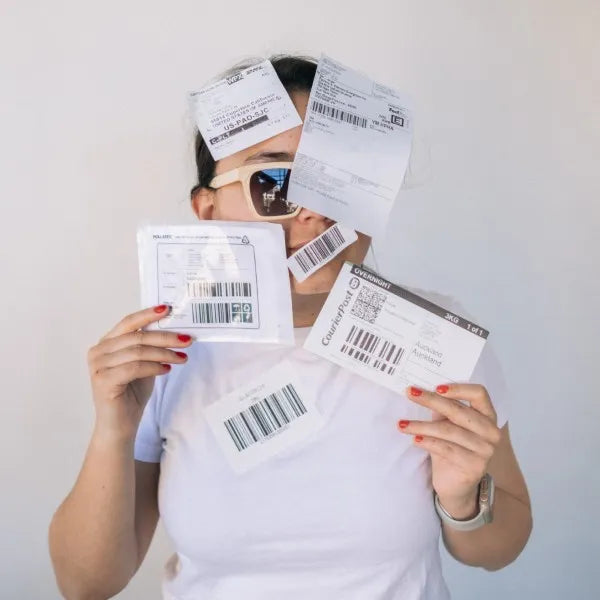
Labels

Strong, durable and secure without compromising sustainability.

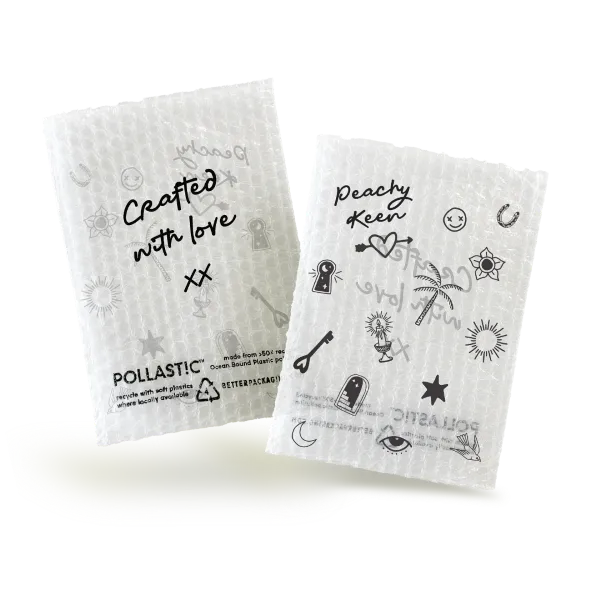
Tailored solutions for your brand

Branded Mailers, Envelopes and Boxes

Branded Garment Bags & Carton Liners

Branded Extra Protection

Branded Carry Bags

B2B ORDERING GUIDE

How to order B2B

Everything you need to access your account, set up your profile, and place your first order.

New to B2B ordering?

Log in to your B2B account to get started.

Go to account

STEP 01

Access your B2B account

As a new B2B customer, you will receive an email from us with the subject ‘Welcome to B2B ordering with Better Packaging Co.’ Please check your Junk and Other inboxes, then click ‘Go to account’.

Open B2B login

Welcome email with Go to account button

STEP 02

Enter your account email

Enter the email address associated with your B2B account and click ‘Continue’.

B2B login email entry screen

STEP 03

Check for your verification code

A 6-digit verification code will be sent to your email address. Please check your inbox or junk mail.

B2B verification code screen

STEP 04

Enter the 6-digit code

Copy the 6-digit code from your email and paste it into the login page.

Enter 6-digit verification code

STEP 05

Open your profile

After logging in to your B2B account, click ‘Profile’ to set your shipping and billing address/es.

B2B account profile menu

STEP 06

Confirm your addresses

Update your billing or shipping address using the edit icon. When everything is correct, click ‘Shop Now’.

B2B shipping and billing address settings

STEP 07

Start shopping

On the main website, click ‘Products’ in the menu bar to begin purchasing.

Products menu in B2B store

STEP 08

Add items to cart

Select the quantity you need, then click ‘Add to cart’.

Product quantity and Add to cart button

STEP 09

Review your cart

Once an item is added, a pop-up cart appears. Edit your cart or click ‘Checkout’ to continue.

B2B pop-up cart

STEP 10

Checkout and submit your order

Your saved shipping and billing addresses are pre-filled at checkout. Select your preferred payment option and click ‘Submit Order’.

B2B checkout account link

IMPORTANT

Confirm your default shipping address

Your shipping address will be empty on your first login. Before accessing the shopping link, enter a complete address including city, postcode and phone number. If you need to change shipping or billing details, return to your B2B account page before checkout.

Need more than one company address?

Please reach out to our team and we’ll add additional addresses to your company account.

Contact our team

Search